JetBrains IDEs Switch Built-In Terminal Engine to libghostty Starting in 2026.3
AI assistants · AI coding
Starting with version 2026.3, JetBrains has replaced JediTerm with libghostty as the default parsing and state engine for its built-in IDE terminal. The update introduces support for modern terminal protocols, improving interactions with CLI AI agents and TUI applications.
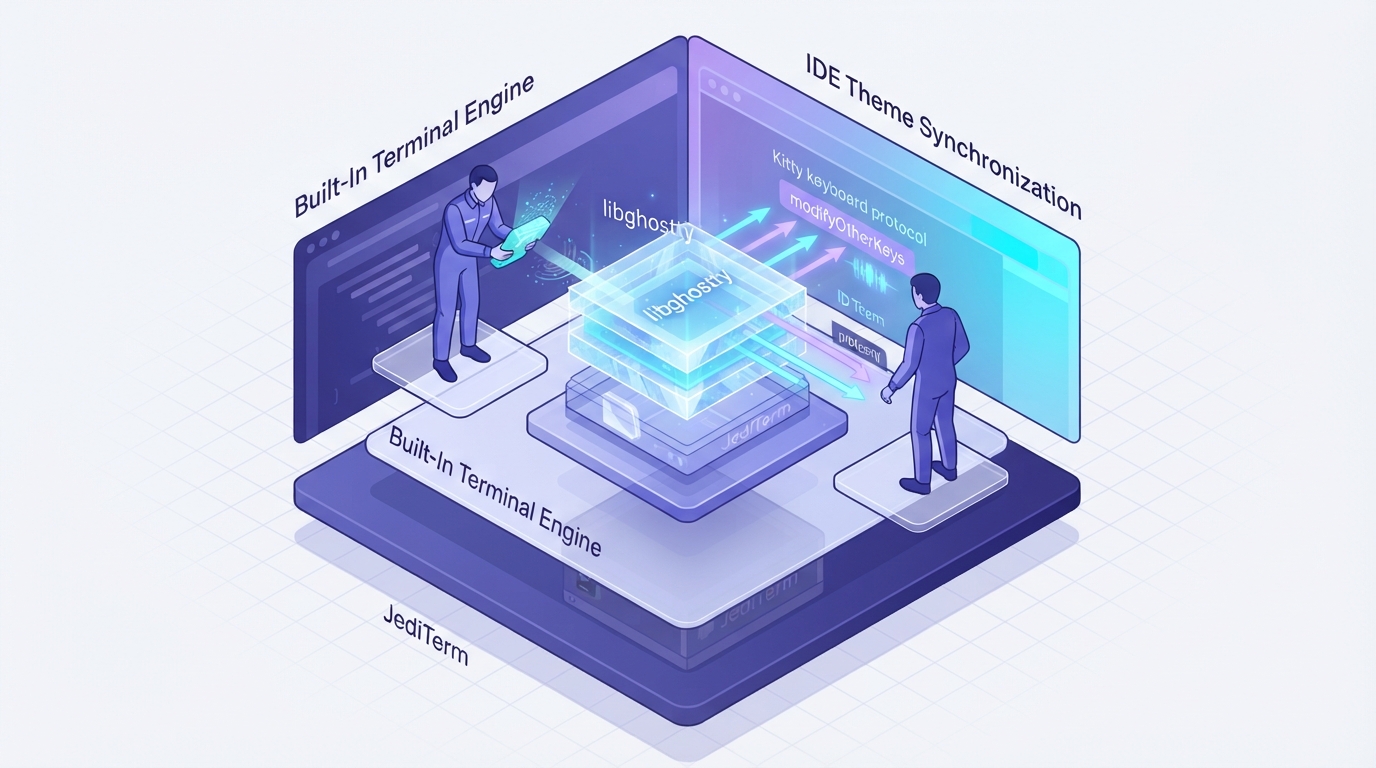
JetBrains announced that starting with version 2026.3, its IDEs have adopted libghostty to power the built-in terminal, replacing the longstanding JediTerm emulator. While JetBrains IDEs continue to handle UI rendering and platform integrations, libghostty now manages sequence parsing and terminal state. The change aims to support modern terminal protocols increasingly required by CLI-based AI coding agents such as Claude Code and Codex, as well as text user interface (TUI) tools like Neovim and tmux. With this transition, the terminal supports the Kitty keyboard protocol and xterm's modifyOtherKeys, allowing differentiation among keys such as Enter, Shift+Enter, and Ctrl+Enter. This allows multi-line input in AI agent prompts without triggering premature submission. The terminal also synchronizes with IDE themes via light and dark queries (CSI ? 996 n) and notification mode 2031, enabling supported tools to adjust appearance automatically. In addition, JetBrains stated that nearly 50 previously ignored or misread control sequences are now handled, improving text and color rendering. The libghostty integration is enabled by default in 2026.3 EAP builds. JetBrains noted that users can revert to JediTerm via registry settings if needed.
Key takeaways
- Starting in 2026.3, JetBrains IDEs replace JediTerm with libghostty for terminal sequence parsing and state management.
- The integration adds support for Kitty keyboard protocol and modifyOtherKeys, enabling multiline prompts for CLI AI agents.
- The terminal synchronizes theme changes and color queries with the IDE, preventing color mismatches in CLI tools.
- Enabled by default in 2026.3 EAP builds, users can switch back to JediTerm through IDE registry settings.
Source:blog.jetbrains.com Read the original ↗
Prepared, checked and automatically published by AI; not individually reviewed by a human.