Autodesk Adds Mobile Multi-Select and QR Code Workflows to Assets Tool in Forma Build
BIM collaboration · Project management
Autodesk introduced feature updates to the Assets tool in Forma Build, enabling mobile multi-select edits, QR code generation and scanning, and PDF markup exports across design, construction, and handover.
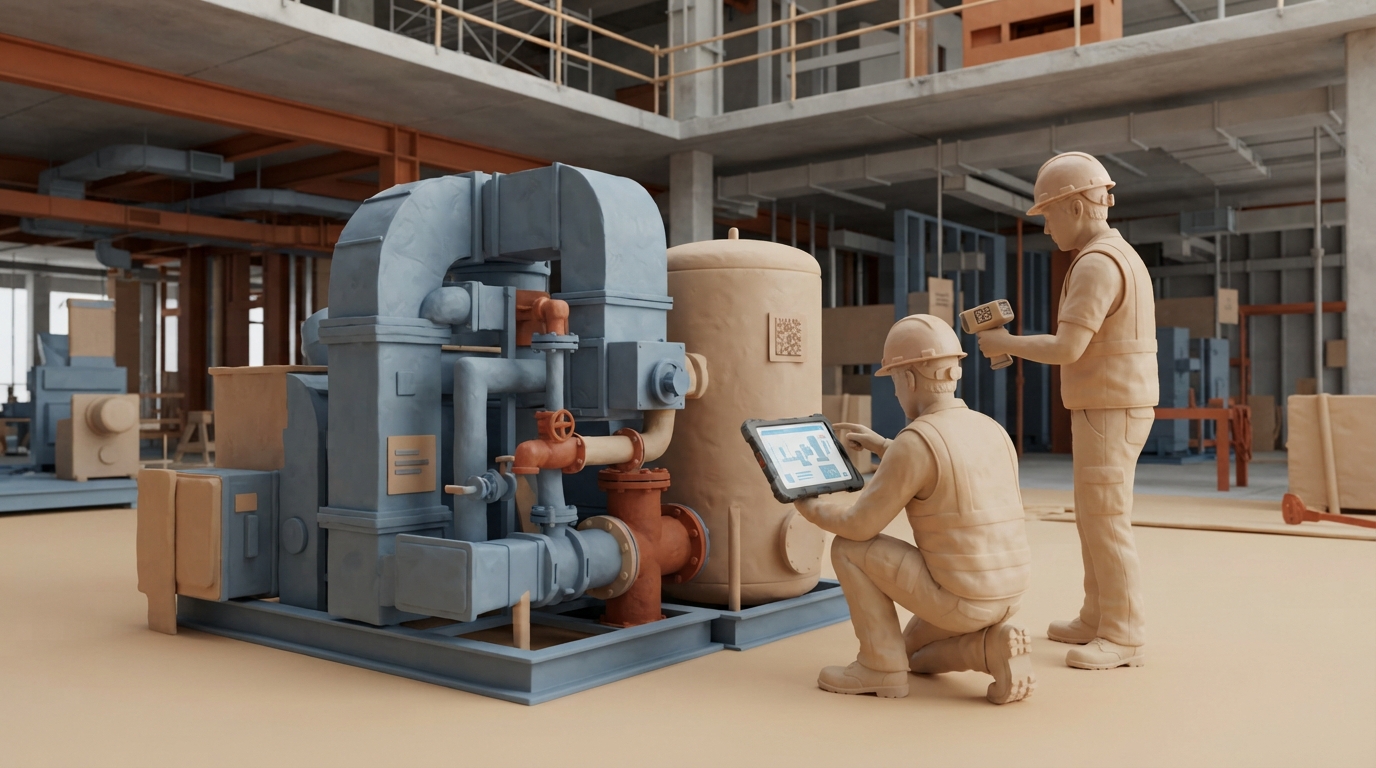
Autodesk has introduced new workflow features for the Assets tool within Forma Build, focusing on connecting asset tracking across design, construction, and commissioning. The system positions each physical asset—such as mechanical equipment, doors, or ductwork—as an independent digital container linking 3D models, sheets, spreadsheets, photos, and forms. The update includes mobile multi-select editing, allowing field teams to select multiple components directly from asset lists or models to apply bulk status updates. It also introduces automated QR code generation, printing, and scanning for assets and systems, letting site personnel navigate directly from physical tags to digital records. Additionally, users can export sheet-based asset markups to PDF while preserving status and issue context. Future roadmap goals outline AI-supported workflows aimed at reducing manual tracking configurations.
Key takeaways
- Field teams can multi-select assets on mobile devices from lists or models to update statuses in batches.
- Forma Build supports generating, printing, and scanning QR codes for physical assets and systems to open digital records.
- Users can export asset markups on sheets to PDF files that include statuses, issue context, and navigation links.
- Autodesk states future roadmap plans include AI-supported workflows to guide asset management, subject to change.
Source:Autodesk AEC Read the original ↗
Prepared, checked and automatically published by AI; not individually reviewed by a human.