Autodesk Updates Forma Build Assets Tool with Mobile Multi-Select and QR Codes
BIM collaboration · Project management
Autodesk introduced updates to the Assets tool in Forma Build, enabling mobile multi-selection, QR code generation and scanning, and PDF exports of sheet markups for field and handover tracking.
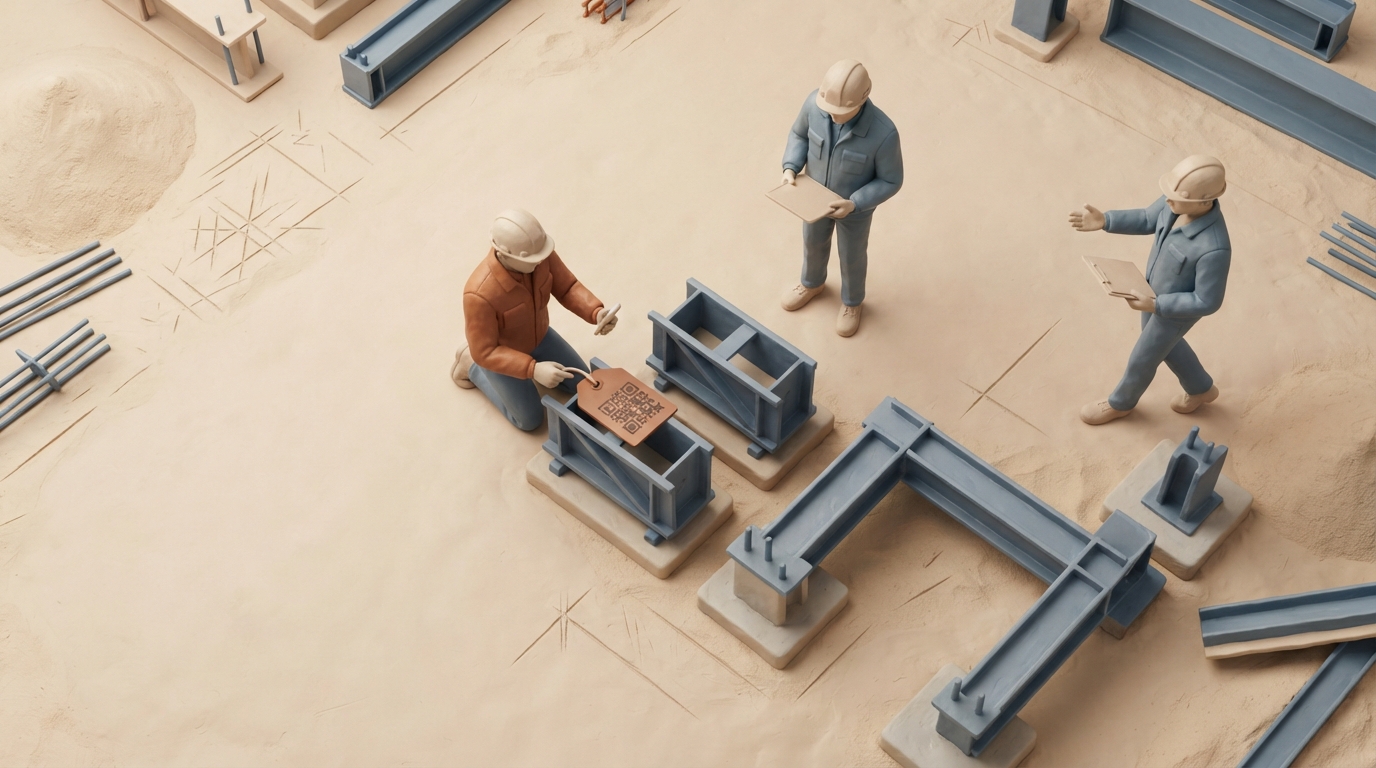
Autodesk highlighted updates to the Assets tool within Forma Build, focusing on bridging data handoffs between design, construction, and operations. The platform treats assets as persistent digital records linked across 3D models, sheets, forms, issues, and external documents rather than tying them to a single drawing representation. New capabilities include multi-select asset editing on mobile devices, allowing field teams to update statuses or link multiple assets simultaneously from either the asset list or model views. The update also adds automatic QR code generation, printing, and scanning for assets and systems to accelerate navigation between physical equipment and digital records. Additionally, users can export asset markups on sheets into PDF documents that preserve issue context and statuses for external review meetings. Autodesk noted that future roadmaps aim to explore AI-supported guided workflows to reduce manual asset tracking configuration.
Key takeaways
- Forma Build's Assets tool serves as a centralized record linking models, 2D sheets, submittals, and issues across the lifecycle.
- Mobile multi-select allows field personnel to update statuses and associate data across multiple assets in a single action.
- Asset and Systems QR codes support direct mobile scanning on job sites to navigate immediately to digital asset records.
- Exporting asset markups to PDF preserves asset statuses, issues, and markup context for external stakeholder review.
Source:Autodesk AEC Read the original ↗
Prepared, checked and automatically published by AI; not individually reviewed by a human.